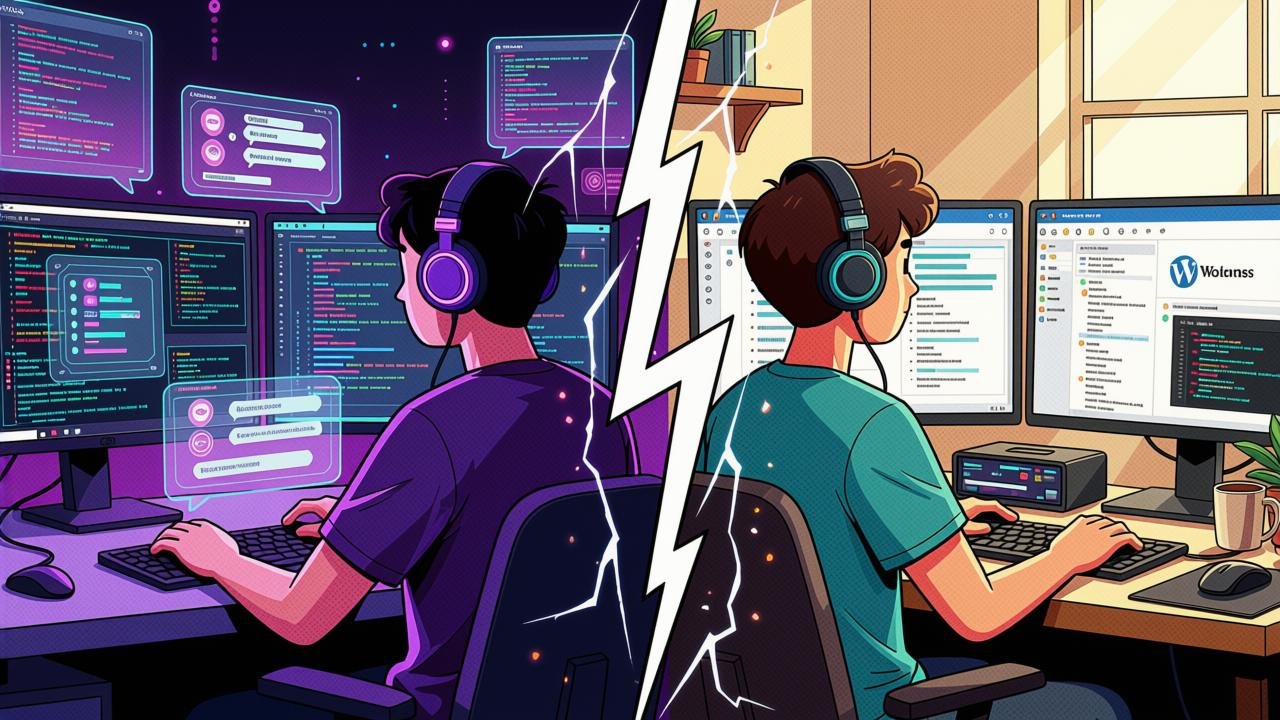
After a few long years of using WordPress together with Elementor (Pro) as my design tool of choice, I decided it was finally time to see what AI and vibe coding could actually do for me. The familiar stack had served me well for personal site, but curiosity got the better of me and I wanted to find out whether a modern AI-assisted workflow could replace a CMS I had grown comfortable with.
To be clear, this was not my first rodeo with vibe coding. Some time ago I already used it to help create the base for one of my projects, a simple 301 redirect landing page called Buymeachinesetakeaweay, which you can read about here: https://idzan.hr/project/buymeachinesetakeaweay-com-fan-redirect-support-page/. That project taught me how to tweak AI output so I could hand-edit the HTML afterwards and keep adding new comments and interesting quotes from the author myself. It was a small thing, but it gave me confidence that AI-assisted development could work for me on a larger scale.
Preparing the jump
Every serious migration starts with a backup, and mine was no exception. Before anything else I backed up the original database and all media files, and exported every piece of content from WordPress into its native XML format. That export turned out to be gold later on, because it gave the AI a structured source of truth for all the content that had accumulated on the site over the years.
The plan for the new design was fairly straightforward. I wanted to keep the same or at least a very similar look and feel as the original site, which I deliberately did not take down during the transition. That way Claude could see the live site and use its existing content as a reference for drafts, and whenever it needed data from the first database I could simply pull it from the original content.
Choosing the foundation
For the CMS foundation itself I went with the tried and trusted combination of PHP and MySQL. At the time it seemed like the boring, dependable choice, although it later turned out to be buggier than anyone expected when two major remote code execution vulnerabilities were disclosed, CVE-2026-109618 and CVE-2026-109619. Thankfully, my years of experience as a sysadmin and self-hoster on a VPS paid off. On the day the patch arrived I did not just patch PHP for my own site but for every site hosted on that VPS. A quick thank you here to Hetzner and Leaseweb for pushing the patched PHP versions for my distro of choice into their caches so quickly, which made the whole operation far less painful than it could have been.
The build itself
The vibe coding and tweaking process took a few days in total. The first day was spent on the design and the basics of security, along with CDN purge configuration through my DNS provider, so another thank you goes to Bunny.net for making that painless.
Next came one of the more interesting features, multilingual AI-powered translation using multiple AI models. The current setup includes Google Gemini (gemini-3.5-flash-lite), OpenAI ChatGPT (gpt-6-luna), Anthropic Claude and Google Translate with API if needed. Having several models available means I am not locked into a single provider and can compare the quality of translations between them.
The site currently supports Croatian (/hr/), Bosnian (/bs/), Serbian (/sr/) and Slovene (/sl/), each getting its own copy of the translated content. English remains the original at the root path and serves as the default for anything not yet translated. Beyond the current .hr domain, the country-specific domains .ba, .si and .rs are active, along with the previously used .eu and .com.hr, and the .name TLD, all 301 redirecting to the main .hr domain no matter what. So if somebody shares a post with a slug like /ba/post-name, it goes through .hr/ba/ and lands on the original slug in its Bosnian translation. And if somebody lands on the site and does not understand English, no worries, the AI translation is there to help out via the language selector.
That language selector itself is built with SVG flag icons from my own icon set, managed through the admin panel, each accompanied by its ISO 639 language code, as listed on Wikipedia at https://en.wikipedia.org/wiki/List_of_ISO_639_language_codes. Interestingly, only Croatian's code actually matches its country TLD, with hr standing for both. The rest diverge: Bosnian is marked BS while its country domain is .ba, Serbian is SR versus .rs, and Slovene is SL versus .si. English is marked EN, has no country domain of its own, and is displayed as en-US on the site.
Around this time the admin panel also received some much-needed attention. It had become a bit of a mess, so I cleaned it up and organized it with proper sub-menus so that settings are actually findable again.
Down the line I implemented a feature that helps enormously with speed and compatibility. All images now get WebP and AVIF copies for faster loading, with the original JPG or PNG as a fallback for older browsers. Icons are cleaned SVGs drawn straight into the page, never published as downloadable files, so my paid SVG icon sets cannot simply be downloaded.
Going live was done in a spirit of "live deployment with quick restore to the old and stable version if anything failed". And honestly, it almost did fail a few times because of misbehaving VHOST, NGINX and Varnish Cache configurations, not to mention the Google PageSpeed module. I have to be fair here and admit those failures were my mistakes, not the AI's.
The little details that matter
Once the core was running, I added the polish. The site now has a robots.txt with an allow-list for the good AI crawlers, an automatically updating sitemap.xml with full multilingual support, plus an llms.txt for AI assistants and support for IndexNow. All pages are served as clean static HTML with structured data in JSON-LD, so AI agents can easily read and browse the site. Good bots are welcome; the ones that ignore robots.txt are blocked at the CDN through edge rules, with another thank you to Bunny.net, and directly in the vhost configuration.
On the security side, the admin panel is genuinely hidden. It does not sit on a classic /admin or any other path famous for attracting brute-force attempts. Instead it lives behind a genuinely unique slug that nobody is going to guess.
Documentation and open sourcing
Since I believe a project is only as good as its documentation, I asked for a README and setup guide as well. Both are published in the GitHub repository at https://github.com/idzanhr/idzan_custom_cms_refresh. The guide explains the project and walks through setting it up without any of my actual content. Anything personal to me, like configuration details or my own codes, stays out of the public repo and is replaced with generic showcase equivalents that still allow anyone to update the CMS themselves.
Final thoughts
With this base in place, I also rebased and rebuilt my Music Works site at music.idzan.hr using the same CMS on the same basis and platform. That one took a bit shorter to complete since it is a single subdomain that simply lists my works, and it replaced the old homepage which had some About Me content, moving that to a separate page. For contacts, it still links to my other Social Media page at socials.idzan.hr, which I also created within vibe coding but using only a static page, since that data does not need to be easily changed or added and it should stay in the same form. That page is plain, simple, lean and fast, scoring 100/100 on Google Lighthouse tests with no unnecessary bloat.
Looking back, moving away from WordPress and Elementor after all these years felt risky, but the combination of careful preparation, solid backups and AI-assisted development proved that a custom CMS built this way is absolutely viable. The site is faster, leaner, easier to reason about, and I control every line of it. And if anything ever breaks, I still have that WordPress export sitting safely on the shelf.
That said, this is not a declaration of war on WordPress. For any future projects that need a more complicated site or a web shop, I will still happily reach for a working and stable WordPress installation with plugins like WooCommerce, plus custom code where needed. And some sites, because of their design and complexity, will never be converted to AI vibe-coded projects, and that is a conscious decision made while keeping their requirements in mind.
Beyond this project, my personal GitHub also holds two more vibe-coded projects based on PHP and MySQL, built for internal usage together with a few work colleagues. They handle the front end while the back end is entirely mine, and you can browse them at https://github.com/idzanhr?tab=repositories.
One last note in the interest of transparency: this text was generated and proofread with the help of the Proton Lumo 2.0 Max model, based on my original content and notes.