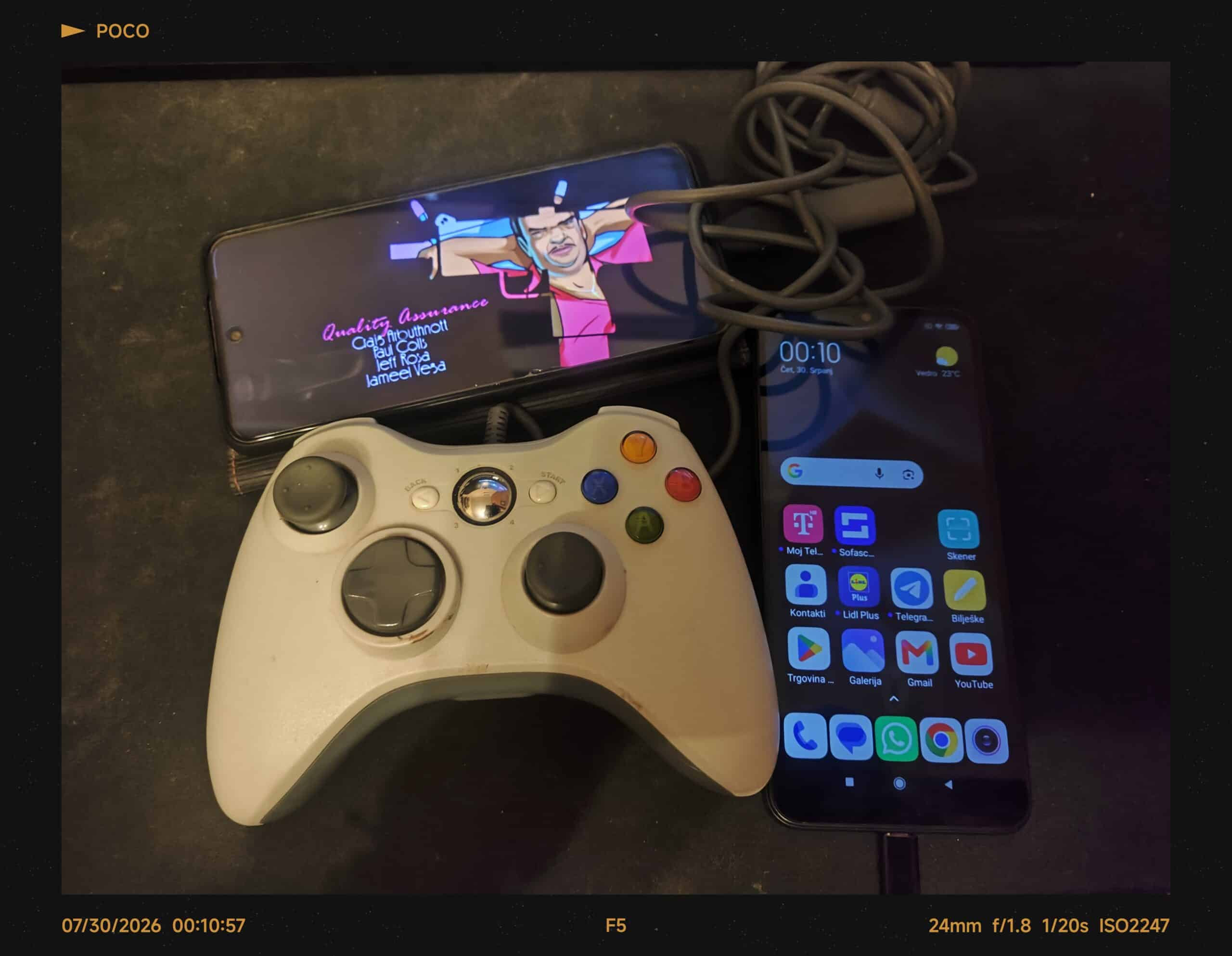
So, as a mobile phone hoarder (as I am), you probably have one or more older Android phones gathering dust in some drawer – the ones you charge occasionally just to prevent them from turning into a “spicy pillow” (batteries swell when neglected). Do not ask how I know about this situation from my own collection.
Anyway, you don’t wanna trash it, sell it (maybe it has sentimental value), or give it away – but it still works. What next, Jeff?
First Things First: Backup and Wipe
Before doing anything, back up your important stuff – photos, videos, contacts (if not synced elsewhere). Then do a Factory Reset. Clean slate, fresh start.
Simple as that. Nothing scary here.
Optional: Want to Go Deeper? Install a Custom ROM
If you’re feeling adventurous and your phone is supported, installing a custom ROM can give it newer Android versions and longer life. It takes some effort but can be worth it – check out my earlier post Is Custom Android ROM Worth It? for the full breakdown.
If not, no problem. Stock Android still works fine for most of what comes next.
Easy Ways to Give It New Life
You don’t need to be a tech wizard to find something useful for that old phone. Here are some ideas that work even on modest hardware.
Your Personal Webcam
Let’s be honest – most built-in laptop webcams look like someone filmed through foggy glass. An old phone’s camera is almost always sharper and clearer.
Download an app like DroidCam or Iriun, connect it to your computer, and boom – suddenly your video calls actually look decent. USB or Wi-Fi connection, whatever works. Done in five minutes.
Mini Security Camera
Want to keep an eye on your pet, room, or front door? Set the old phone up as a small security camera using apps like Alfred Camera or IP Webcam. Just leave it plugged in somewhere visible and connect via Wi-Fi.
One tip: if you leave it plugged in constantly, try to avoid having it drain and recharge non-stop – that wears out batteries faster. Some automation apps can help manage charging schedules.
Dedicated Hotspot When Travelling
Got an old phone with a working 4G slot? Pop in a data SIM (or use your regular one while abroad), and now it’s a dedicated hotspot. Your main phone stays cool while this one chugs along providing internet. Especially handy if you travel a lot or have multiple devices needing connection.
Retro Gaming Handheld
Here’s the fun part – plug in a controller (yes, even those old wired ones work with the right adapter), install an emulator app, and suddenly you’ve got a handheld gaming console. PlayStation 1, Game Boy Advance, PSP – depending on the phone, you can play quite a bit.
This works great on surprisingly old hardware too. You don’t need a flagship to run retro games.
Dashboard Clock or Smart Home Panel
Mount it somewhere and turn it into a fancy digital clock or a control panel for smart home stuff. Apps like DeskClock or WallPanel let you customize what shows up. Bedroom nightstand? Kitchen counter? Office wall? All fair game.
E-Reader or Media Player
Turn it into a dedicated reading device or music player. Install Moon+ ReaderMoon+ Reader for books, load it with Spotify or your MP3 library, and save your main phone’s battery. Sometimes less distraction = more enjoyment.
The Simple Cable Trick
One practical tip I swear by – if your current devices use USB-C but the old phone has microUSB, grab one of those cheap microUSB to USB-C adapters. Now everything charges with the same cable. One cable to rule them all.
Why Bother?
Look, throwing electronics in the bin isn’t great for the planet, and honestly, these old phones still have plenty of juice left. Before deciding something’s useless, think about what secondary role it could fill.
Same principle I used with repurposing that old computer as a Home-Lab Server – reduce waste, repurpose what you have, and recycle only when there’s nothing left to give.
Your old phone isn’t dead. It’s just waiting for a second act.
Editor’s Note:
Cover photo in this post is from my own devices – Xiaomi Redmi Note 9 Pro and Xiaomi Redmi 9A.
All apps and links mentioned are purely for informational purposes – I’m not affiliated with any developers or companies mentioned above.
Text was checked for clarity and grammar checks by Proton Lumo+ 2.5 Pro Model.